
CardaxEP Mobile
Run the CardaxEP lab on iPhone or iPad, with touch controls for pacing, mapping, and electrograms.
iPhone and iPad
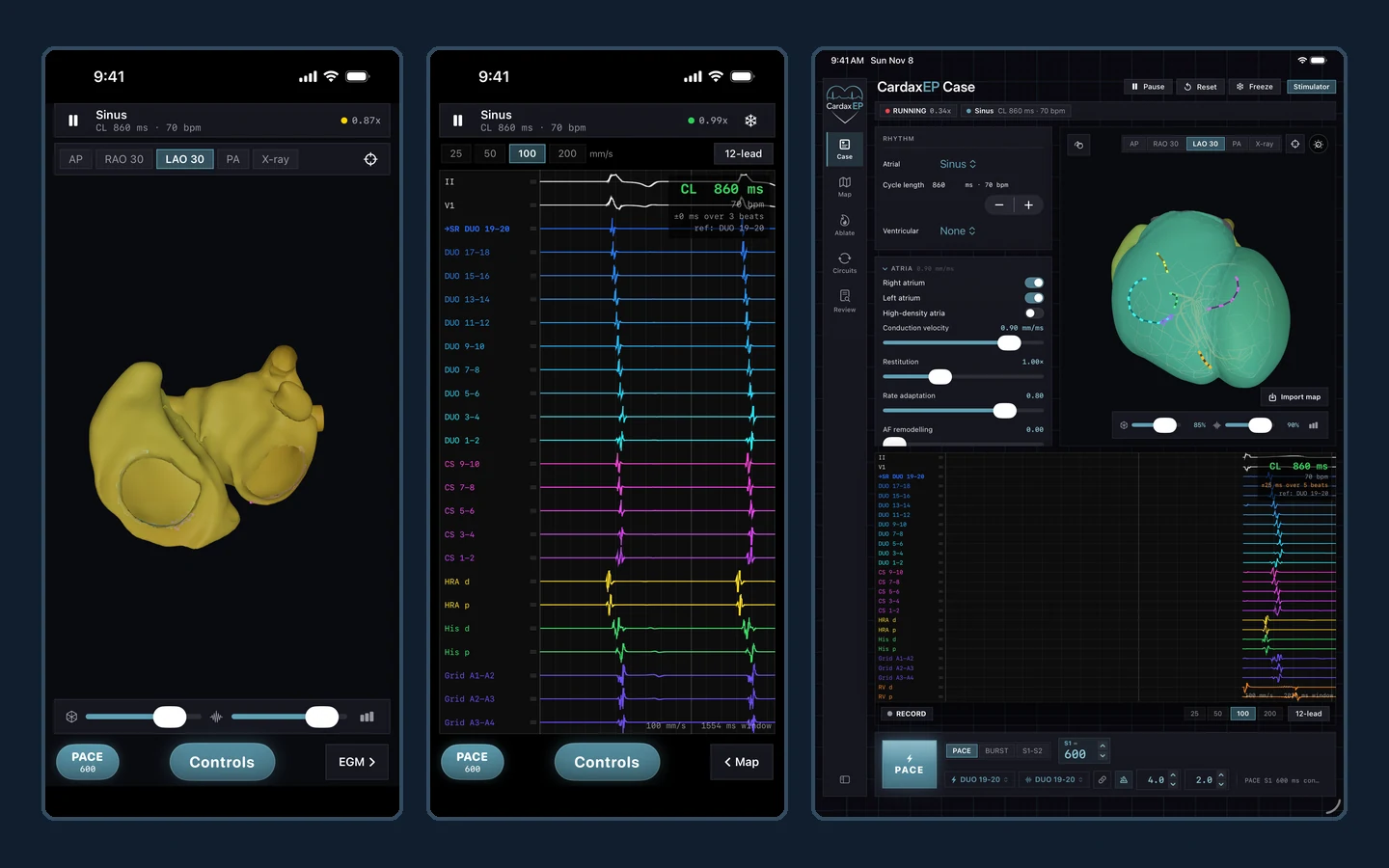
Two touch layouts
The phone and tablet share the lab workflow and adapt it to the available screen space.
- On iPhone, switch between the full-screen heart map and electrograms using a swipe or the Map and EGM controls.
- Rotate and zoom the heart using touch. Tap the model with the active pacing, catheter, or lesion tool.
- On iPad, use the larger workspace with the live map, recording, stimulator dock, and Case, Map, Ablate, Devices, and Review tools.
Anatomy, activation, and rhythm
See how activity spreads through the atria, ventricles, and His-Purkinje system.
- Load rhythm presets and explore atrial and ventricular ectopy.
- Adjust properties such as conduction velocity, restitution, and refractoriness to study how tissue behavior changes the simulated rhythm.
- Change viewing angles, chamber visibility, and wavefront display to follow activation.
Programmed stimulation
Change how and where you pace, then follow the resulting activation and signals.
- Use continuous pacing, burst pacing, and programmed extra stimuli from S1–S2 through S5.
- Set cycle length, train length, decrement, output, pulse width, and pacing or sensing channels.
- Move virtual catheters and compare the recorded response across sites.
Electrograms and ECG
Relate what you see on the heart to what you measure in the recording.
- Review live electrograms with adjustable sweep speed.
- Freeze a tracing for measurement with digital calipers.
- Open the live 12-lead ECG and compare surface and intracardiac signals.
Mapping, substrate, and ablation
Change the simulated substrate and examine how the circuit responds.
- Move catheters, annotate circuits, and explore simulated activation maps.
- Draw and erase scar or lesions, and compare changes in propagation and reentry.
- Use the available lesion sets and ventricular substrate tools for teaching scenarios.
Devices and case review
Explore virtual device workflows and return to key moments of a study.
- Explore simulated implant, pacing system analyzer, and device clinic workflows.
- Start or save a study and use the case log to review events.
- Use the recording controls to freeze, measure, and compare pacing or rhythm changes.
Contact us about access. ICE and VR are separate applications; tools and display options vary by device.
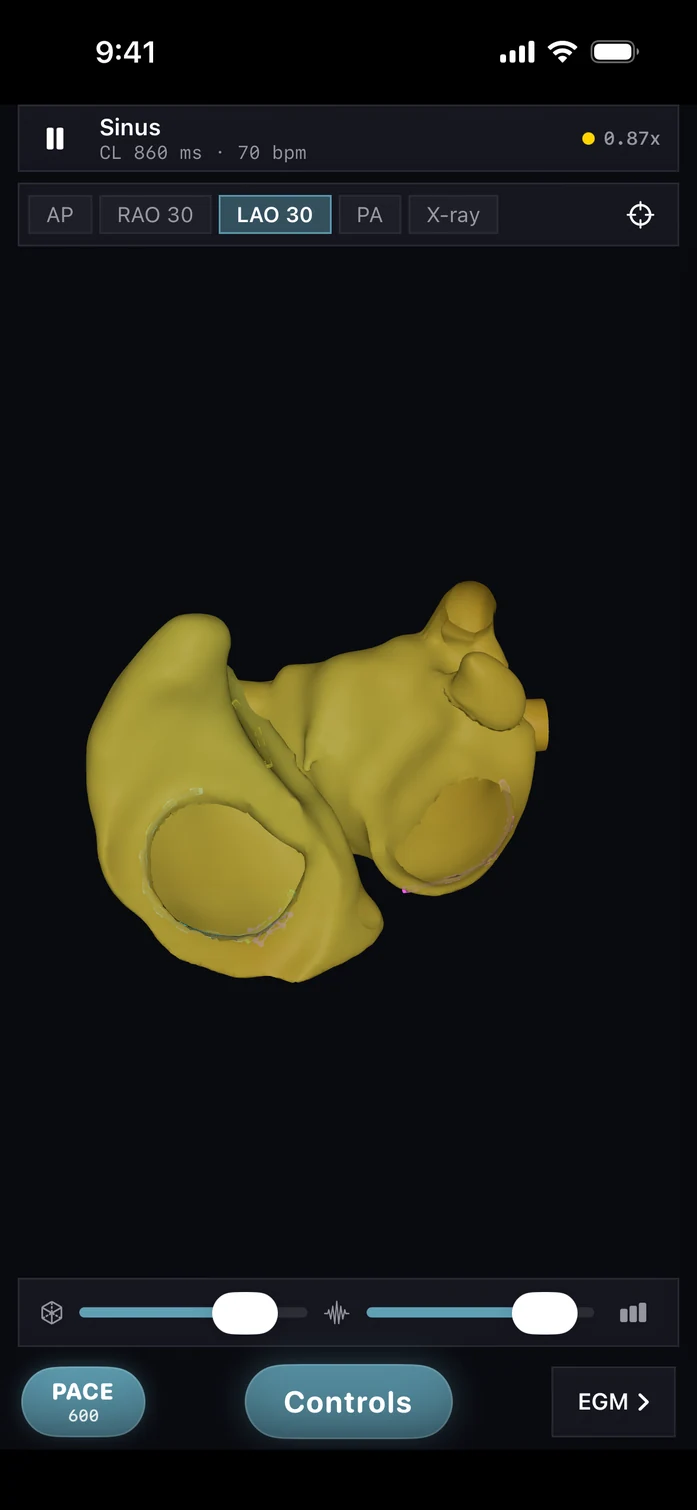
iPhone heart map
The phone map gives anatomy and activation the full screen, with the stimulator and recording within reach.
Open full image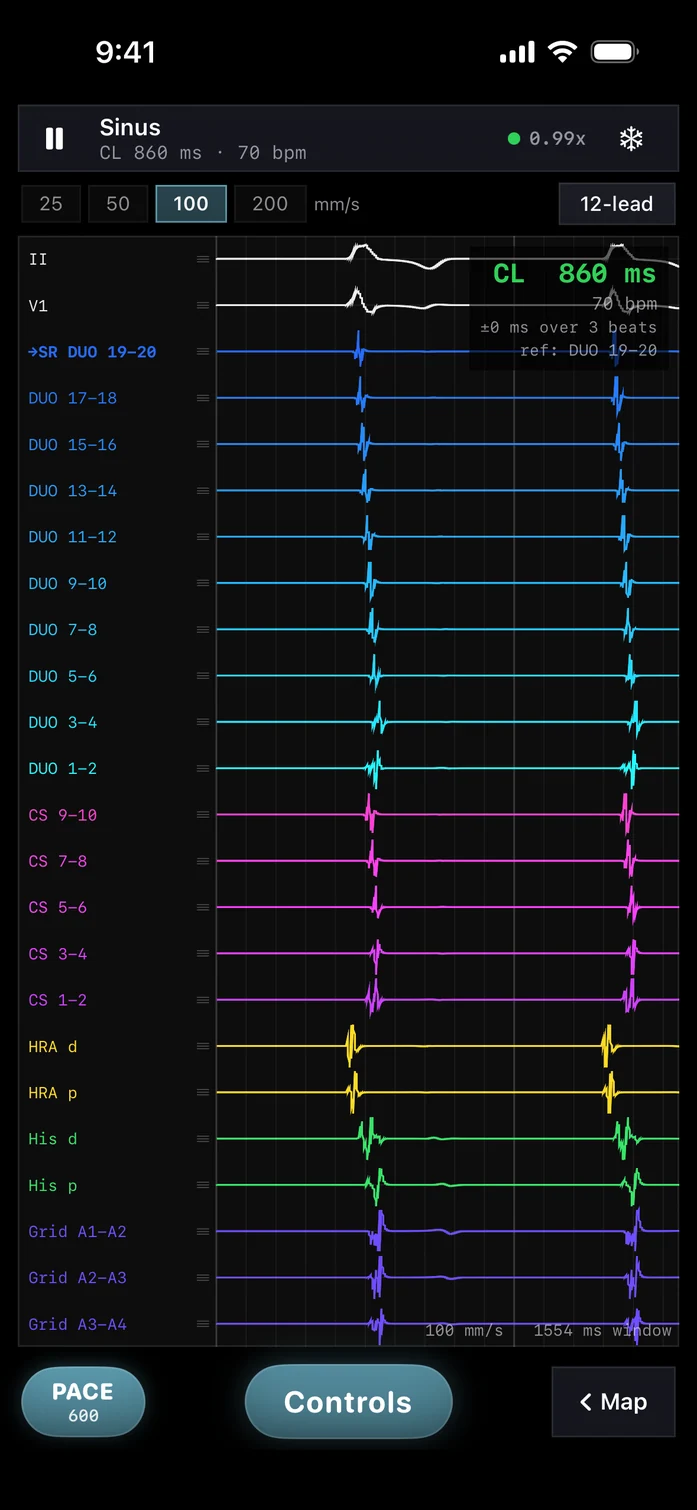
iPhone electrogram recording
Switch to a dedicated view for the intracardiac recording and tracing controls.
Open full image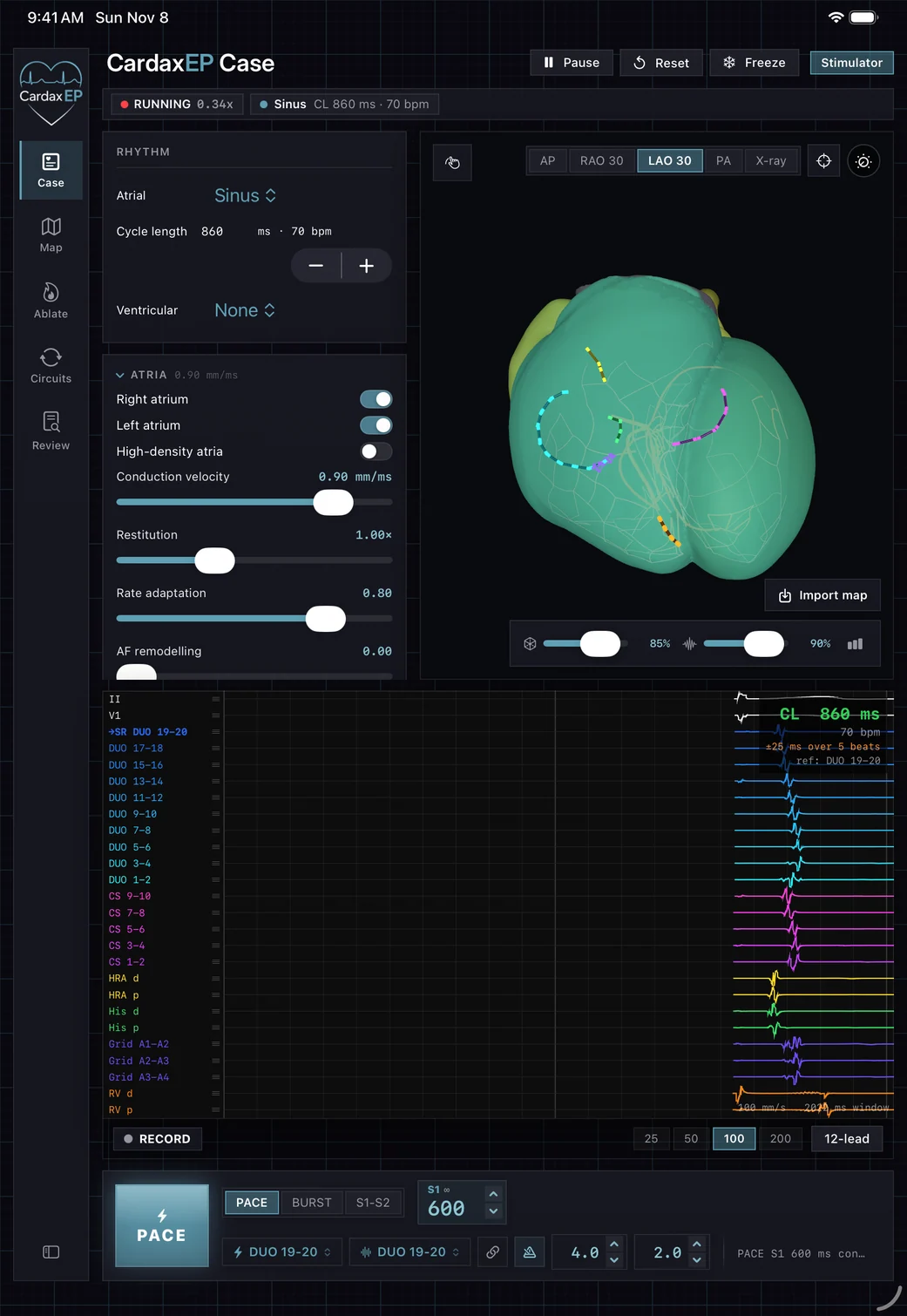
iPad EP workspace
See the anatomy, controls, and signal recording in one view.
Open full image